


YOUR TRUSTED PRINTING SUPPORT PARTNER
Everything You Need for Smooth & Reliable Printing
We provide helpful printer setup guidance, installation assistance, and troubleshooting resources to make printing easier. From connecting devices to resolving common technical problems, our goal is to help you enjoy a hassle-free printing experience.

24+
Hours Online Access

120+
Helpful Guides

8+
Printer Brands Covered

100%
Focus on Quality
Reliable Printer Assistance
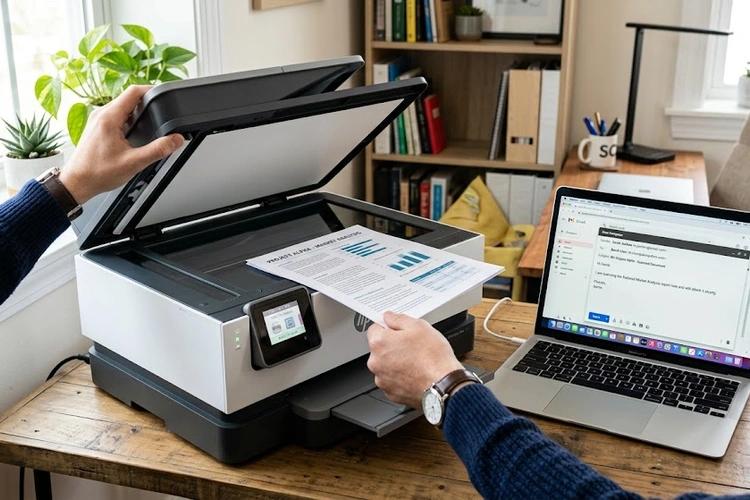
Get dependable guidance for printer installation, configuration and troubleshooting to ensure a smoother printing experience.
Easy Setup Instructions
Follow simple instructions for connecting devices, installing drivers and configuring printer settings without confusion.
Solutions for Every User
Find practical information for different printer models, operating systems and everyday printing requirements.

FREQUENTLY ASKED QUESTION
Common Questions About Printer Setup









Contact With Us
Have Any Question?

CUSTOMER EXPERIENCES
What Users Say About Our Printer Guides

"The printer installation instructions were clear and simple. I managed to connect my new printer to my computer without needing technical assistance."
James Wilson

"I was struggling with printer driver errors for days. The helpful instructions made it much easier to understand and resolve the issue."
Michael Brown
"The wireless setup information helped me reconnect my printer to my home network. Everything was explained in simple steps."
Daniel Smith




0 Comments